Reminder response rate
Example product stat shown locally on your Mac.macOS menu bar goal reminders
MissionCue
Keep your goal and your why visible during the workday, then see whether the cues actually pulled you back with a weekly proof view for reminder responses, focus sessions, and completed deep-work time.
- Native macOS app
- No account
- Local-first goal data
- 7-day proof dashboard
Deliver the cue
MissionCue tracks when your reminders actually reach you.
Capture the response
See how often you snooze, pause, or return to focus.
Measure follow-through
Watch focused hours and completed sessions stack up over the week.
Outcome View
See whether the reminders actually brought you back.
MissionCue does not stop at sending nudges. It gives you a simple seven-day proof card that shows completed focus hours, session follow-through, and how often you responded when the app interrupted drift.
Weekly focus proof
Measure completed focus hours instead of guessing whether your goal stayed visible enough to matter.
Response tracking
See when you responded to a cue, snoozed it, or paused it so you can adjust the system instead of blaming yourself.
Local by default
Your weekly proof stays on-device. MissionCue gives you behavior feedback without requiring an account or cloud dashboard.
Product
A small Mac utility for a big attention problem.
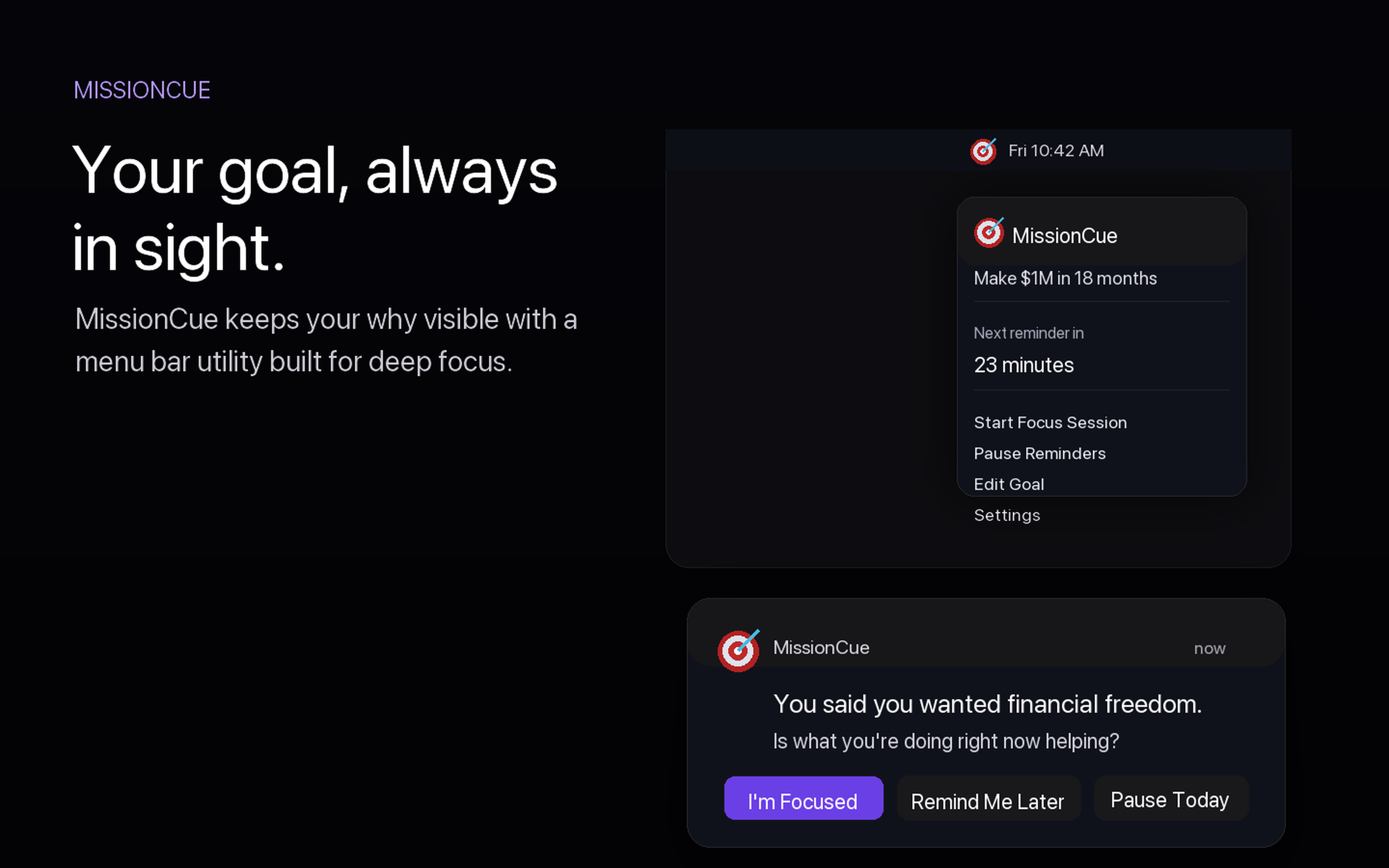
MissionCue is intentionally narrower than a task manager. It keeps one goal, the reason it matters, and the next focused block close to the place you already glance all day: the menu bar.
01
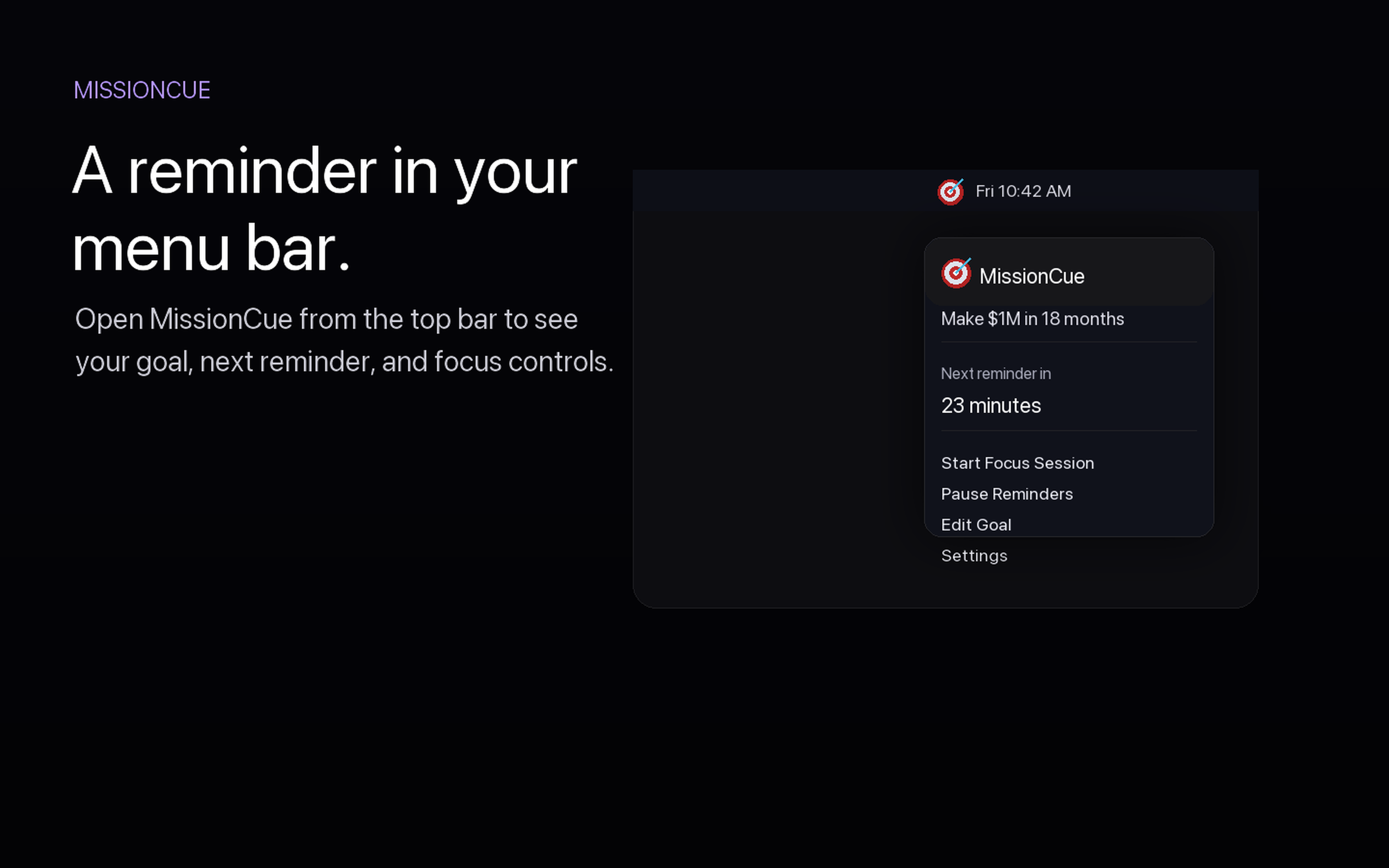
Menu bar reminders
Check your current goal, see the next reminder, pause nudges, or start a session.
02
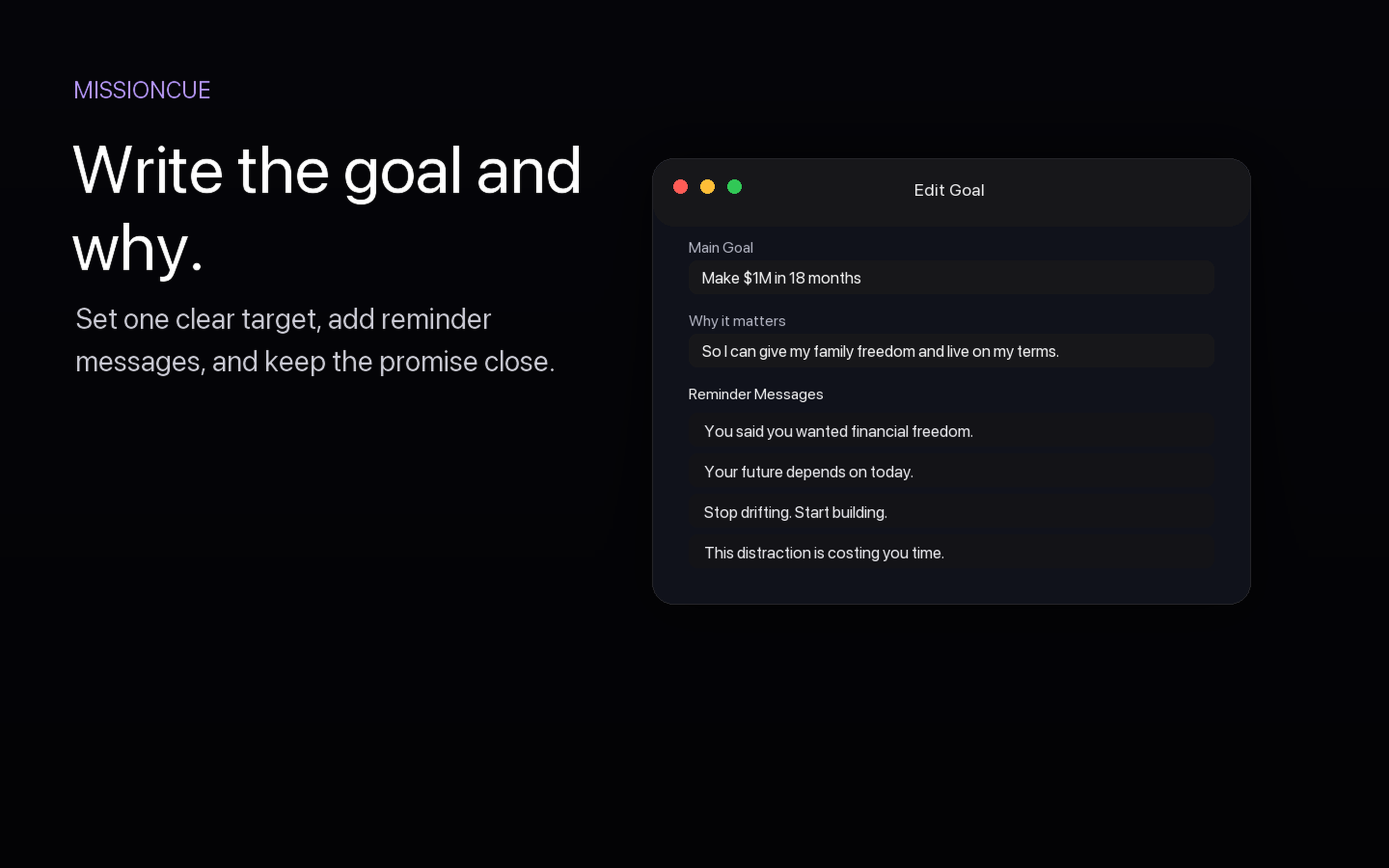
Goal and why editor
Choose the message that should interrupt autopilot when attention starts drifting.
03
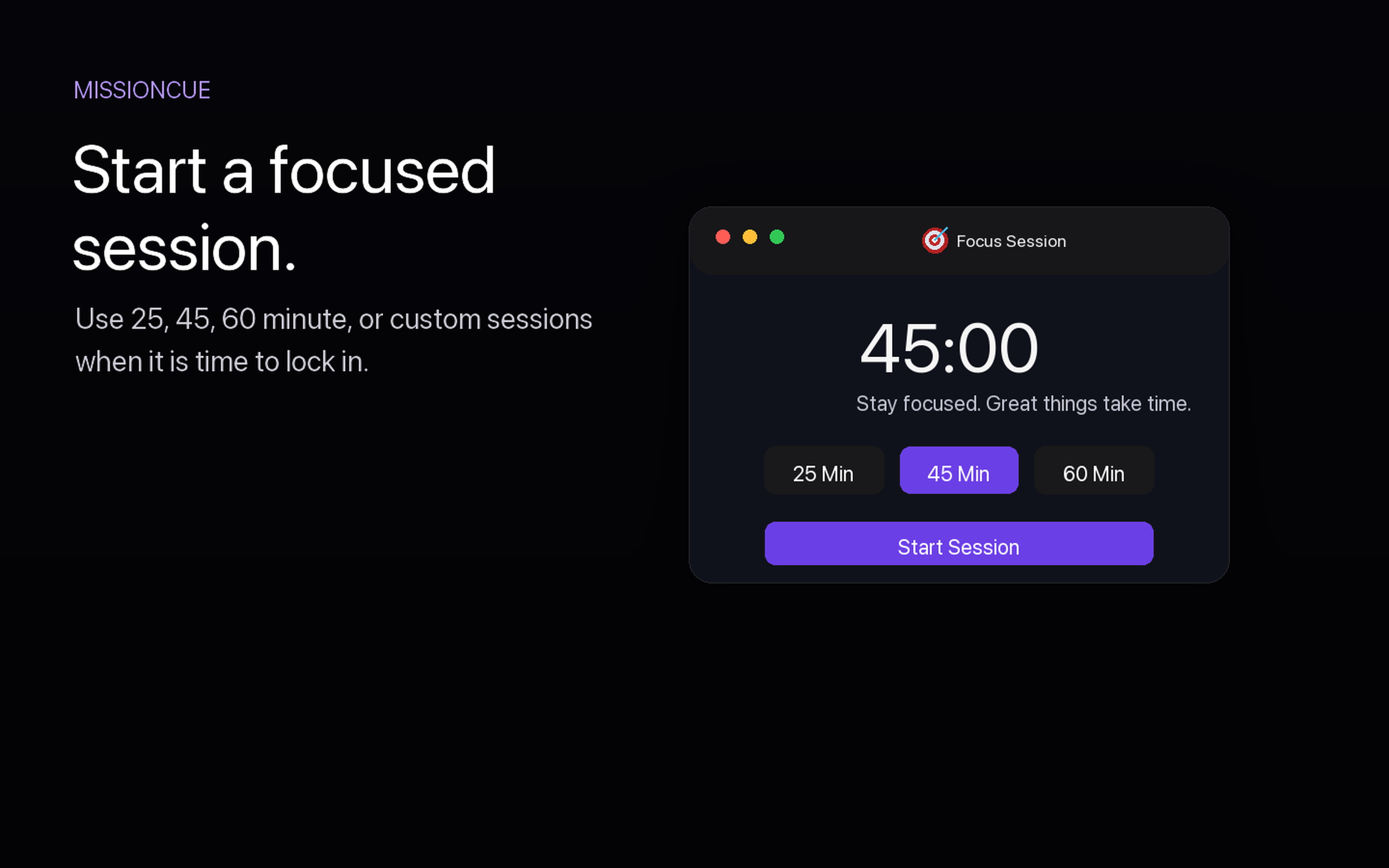
Focus sessions
Start 25, 45, 60 minute, or custom sessions with a live menu bar timer.
04
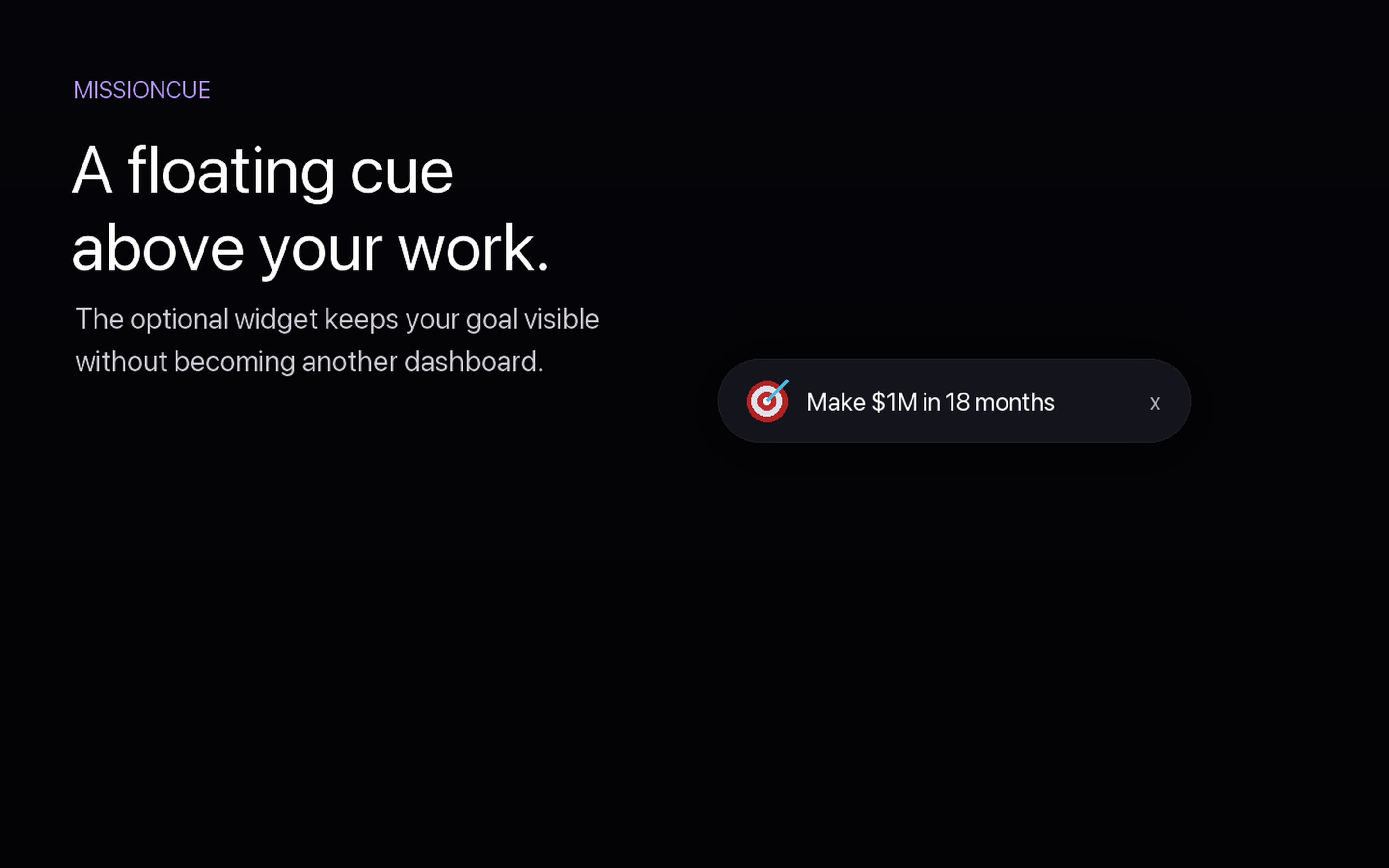
Floating goal cue
Keep one compact reminder above your workspace when the goal needs extra presence.
05
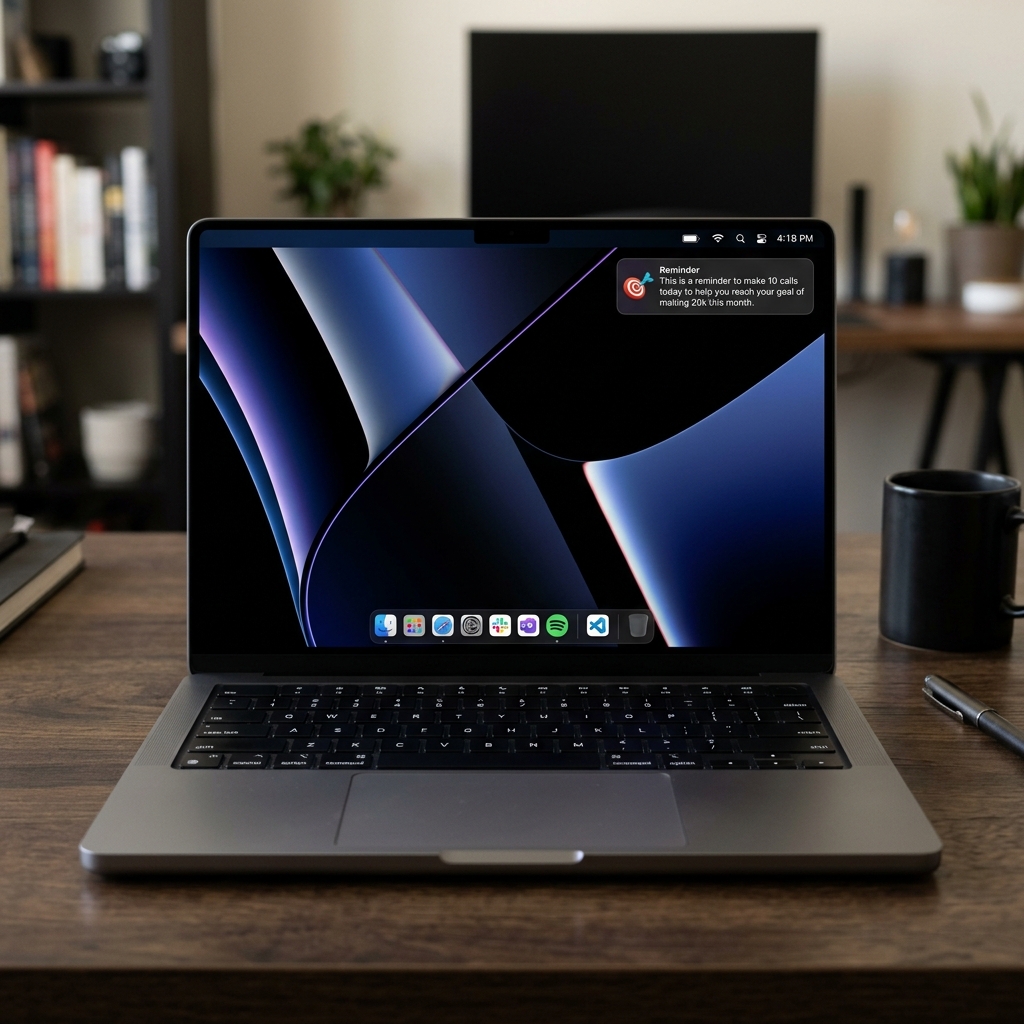
Notification reminders
Standard macOS notifications that catch your attention when you need them most.
Features
Focused controls, not another dashboard.
Switch work modes quickly
Jump between Deep Work, Light Admin, Urgent Push, or your own custom setup without rebuilding reminders from scratch.
Choose how reminders speak
Set reminders to feel calm, direct, aggressive, faith-based, or use your own reminder text without a preset tone.
Quick notification choices
Confirm focus, remind yourself later, or pause reminders for the day.
Local storage by default
Your goal, why, reminders, and settings stay on your Mac.
Launch at login
Let MissionCue show up when your workday starts without adding a Dock icon.
The Science
Built on cue psychology, verified by your own behavior.
Motivation is a feeling, but focus is a system. MissionCue uses proven cue-based psychology, then lets you verify whether the system is working from your own weekly outcomes.
The Spotlight Theory
Research shows that attention acts like a spotlight. Persistent visual cues help guide that spotlight, reducing cognitive load and decision fatigue by making your next step explicit.
Priming the RAS
Seeing your "Why" activates your brain's Reticular Activating System (RAS). This trains your brain to filter out distractions and stay attuned to actions that align with your goal.
The Habit Loop
Every behavioral change starts with a trigger. MissionCue acts as a persistent environmental cue, interrupting the autopilot of distraction and initiating a new routine of focused work.
External Memory
Your working memory can only hold a few items at once. Offloading your goal to the menu bar frees up mental bandwidth, reducing decision fatigue and letting you focus entirely on execution.
"He who has a why to live for can bear almost any how."
— Friedrich Nietzsche
Launch pricing
One focused utility. Completely free.
MissionCue is completely free. No subscriptions, no ads, just a tool built to help you stay focused on what matters.
Free
forever
Includes the native menu bar app, reminder system, tone controls, focus sessions, and floating cue.
- macOS 13 or newer
- Apple Silicon and Intel support
- Calm, direct, aggressive, faith-based, and user-written reminder styles
- No account or cloud sync required
- Core app updates included
Built for
Work that needs a visible reason to continue.
Entrepreneurs
Creators
Students
Developers
Remote workers
Fitness goals
FAQ
Questions before you lock in.
Is MissionCue a task manager?
No. It is intentionally limited to your goal, why, reminders, focus sessions, and visibility.
Does MissionCue require an account?
No. The current app stores goal data locally on your Mac and does not require cloud sync.
Can I pause reminders?
Yes. You can pause reminders from the menu bar or notification actions when you need quiet time.
Can I change the tone of reminders?
Yes. MissionCue includes calm, direct, aggressive, and faith-based tones. You can also skip preset tones entirely and write your own reminder text.
Which Macs are supported?
MissionCue requires macOS 13 or newer and supports Apple Silicon and Intel Macs.
Why am I not seeing notification banners?
If you have macOS "Do Not Disturb" or a "Focus" mode active, MissionCue reminders will be silenced and sent straight to your Notification Center without popping up.